
Integrations
Integrations
AuditIQ GRC integrations connect the cloud, identity, HR and ticketing tools your team already uses, so evidence for every framework is collected and kept current without screenshots and email chasing.
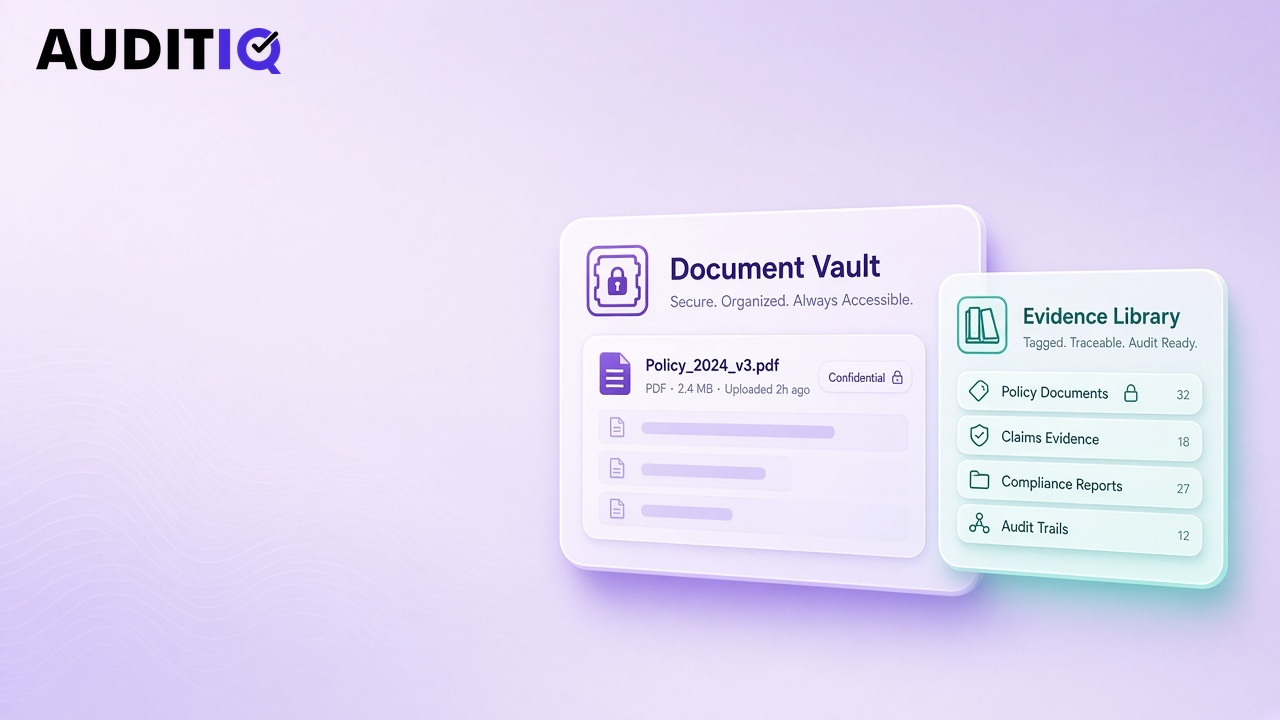
What can AuditIQ GRC connect to?
Integrations are grouped by the evidence they provide. Browse the named catalog below or tell us your tools, we confirm coverage in writing before you buy.
Cloud infrastructure
Configuration, logging, encryption and backup evidence from your cloud accounts.
Identity and access
User lists, MFA status and joiner-mover-leaver evidence for access reviews.
HR systems
Employee onboarding, background checks and training records for people controls.
Ticketing and ITSM
Change, incident and access-request tickets as evidence, and findings pushed back as tasks.
Code and DevOps
Branch protection, code review and deployment evidence for SOC 2 and ISO 27001.
Files, CSV and API
Upload files, import CSVs or push evidence through the API from any internal system, including on-premises tools.
Named integrations catalog
Connectors below are supported today or in active rollout for Indian programmes. Your contract lists the tools in scope for your deployment, we confirm availability in writing before you sign.
Cloud and infrastructure
- Amazon Web Services (AWS)
- Microsoft Azure
- Google Cloud Platform (GCP)
- DigitalOcean
Identity and access
- Microsoft Entra ID
- Okta
- Google Workspace
- JumpCloud
- OneLogin
- Auth0
HR and people
- Zoho People
- Keka
- greytHR
- Darwinbox
- SAP SuccessFactors
- Workday
ITSM and ticketing
- Jira Service Management
- Freshservice
- ServiceNow
- Zendesk
- Freshdesk
Code and DevOps
- GitHub
- GitLab
- Bitbucket
- Azure DevOps
- Jenkins
Endpoint and cloud security
- Microsoft Defender
- CrowdStrike Falcon
- SentinelOne
- Wiz
Productivity
- Microsoft 365
- Slack
File, CSV and API
- Scheduled CSV import
- REST API push
- SFTP drop folder
- Manual upload
Tools without a native connector still work via API or scheduled file import, common for on-prem ERP and core banking. Book a demo to map your stack to controls.
How connected evidence flows
One integration can satisfy several controls if they share the same underlying check.
Map the control
Each control in compliance management lists the evidence types auditors expect, user lists, config snapshots, ticket exports and so on.
Connect or upload
Point the control at a connector, or upload a file once. The platform stores the artefact in the shared evidence library.
Reuse across frameworks
Because controls are mapped across DPDP, ISO and SOC 2, the same MFA report satisfies access-control duties in every framework that references it.
Refresh and alert
Scheduled pulls keep evidence current. When a check fails, the control turns red, risk scores update and the owner gets a task.
Who needs integrations in India?
Any team past the first certification cycle. Manual screenshots work for a 30-person startup once a year; they do not scale when you add SOC 2, DPDP and quarterly access reviews across AWS, Google Workspace and Jira.
- SaaS vendors proving continuous control monitoring to US enterprises
- BFSI and NBFC teams with on-prem core banking plus cloud analytics
- IT services firms with many client environments and shared SOC 2 scope
- Manufacturers connecting plant OT exports where APIs are not available
How integrations connect to other modules
Evidence from connectors feeds compliance gaps first. Failed checks raise risks, trigger audit requests and can block trust center badges until resolved. Vendor questionnaires in vendor risk can ask whether a sub-processor offers the same integration coverage you rely on internally.
We document your stack in writing during sales so procurement is not surprised after purchase.
Do integrations work on-premises?
Yes. In a your-cloud or on-premises deployment, connectors run inside your network, so evidence never leaves your infrastructure. Systems without a connector can send evidence by API or scheduled file import.
How often is evidence refreshed?
Connected evidence is refreshed on a schedule you set, daily by default. When something drifts, such as a user without MFA, the control turns red and the owner gets a task.
Integration questions
Do you publish a full integration catalog?
Yes, the named list on this page, grouped by evidence type. Your order confirms which connectors are live for your deployment; we add connectors customers share across India.
Can we request a new connector?
Yes. Tell us the system and which controls it should feed. Roadmap prioritisation favours connectors many Indian customers share.
What if our tool has no API?
Upload CSV or PDF exports on a schedule, or push files through the API from a cron job. Many on-prem ERP and HR systems work this way.
Do integrations need admin credentials?
Connectors use least-privilege read-only roles where the vendor supports them. You control which accounts we use and can rotate keys without losing history.
Will evidence sync break our audit trail?
Each pull is versioned. Auditors see when evidence was collected and can open prior versions if they ask about a point in time.
Are integrations included in every plan?
Core connectors are included. Unusual or custom integrations may need professional services, we say so upfront in the demo.
Make Trust Provable
See AuditIQ GRC run your frameworks
Book a 30-minute live demo. We map DPDP, ISO and SOC 2 onto one control set using your scope, not a slide deck.
- 30 minutes
- No obligation
- DPIIT Registered
- 50% off at launch